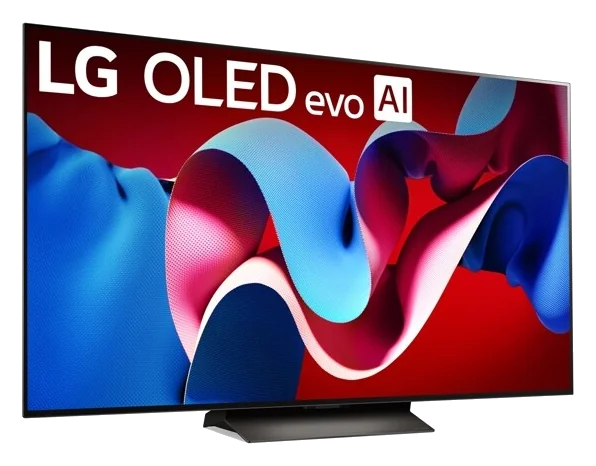
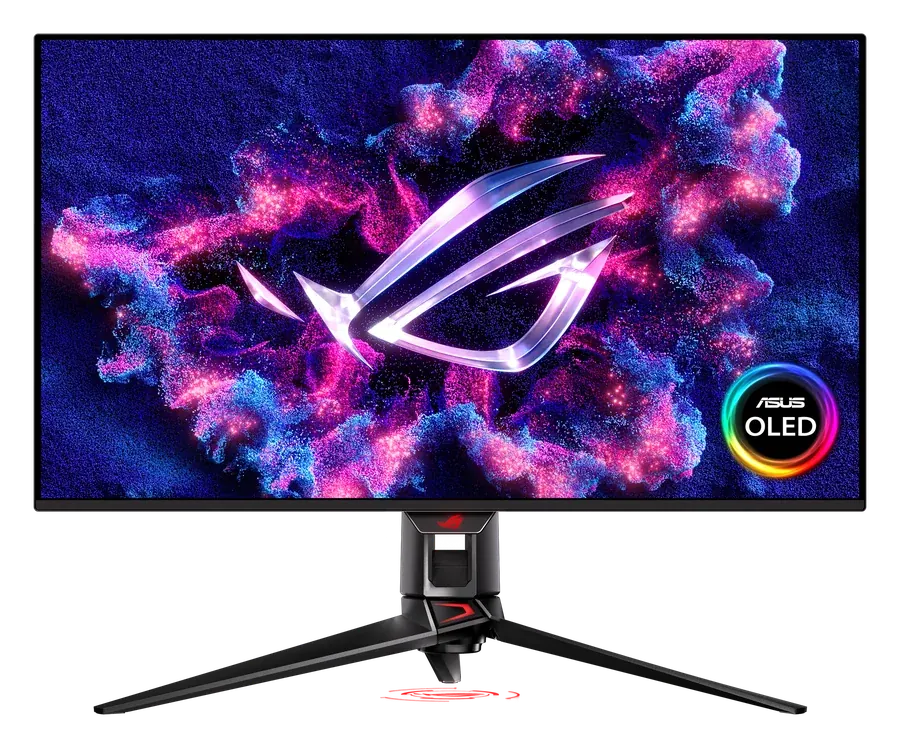
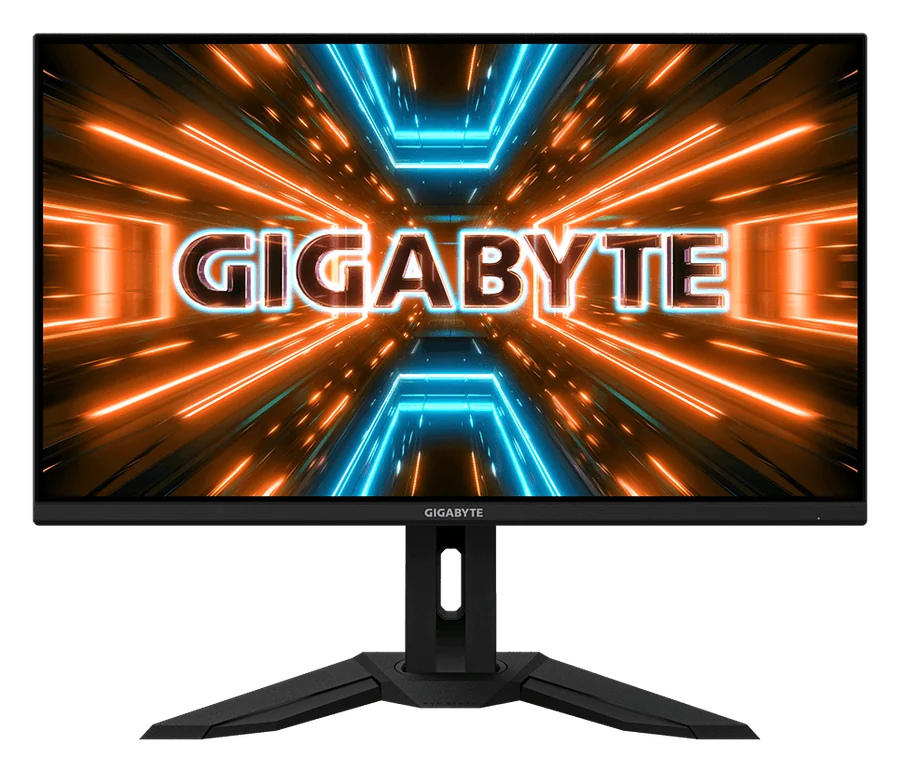
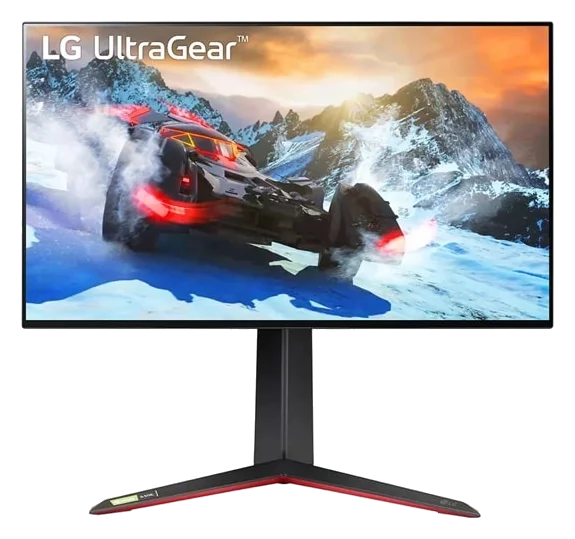
Hardware picks for playing GTA VI on PS5 and PS5 Pro: controls, storage, 3D audio and screens that do 4K at 120Hz. Some links are affiliate links, which support the site at no extra cost to you.
Setup check
Is your setup launch-ready?
Pick what you play on. You'll get the exact console settings to change and what (if anything) is worth upgrading.
You're set. Just change these settings:
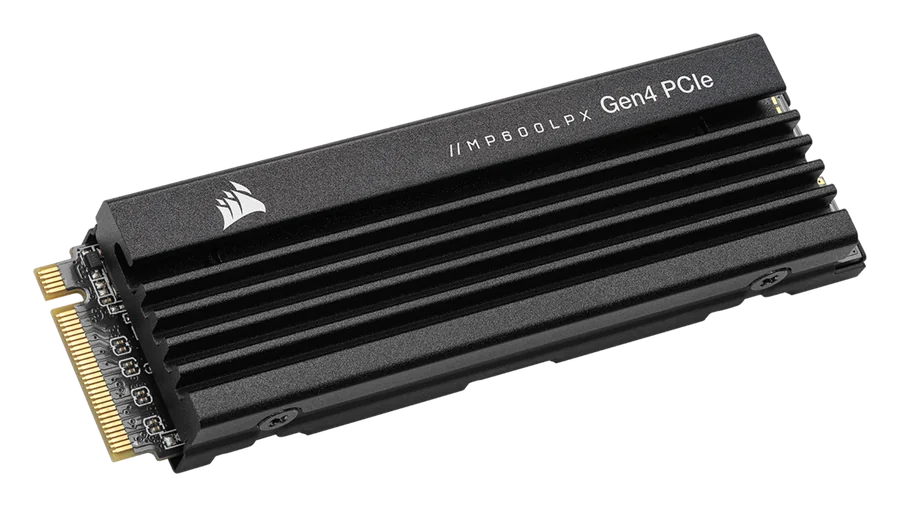
Storage: 2TB built in
The PS5 Pro's 2TB should be plenty. Clear old installs before launch day so the download can start right away.
Screen: ready for 120Hz
Use an HDMI 2.1 port and the console's cable. Then Settings → Screen and Video → Video Output: set Enable 120 Hz Output and VRR to Automatic. Turn on your screen's game mode. Whether GTA VI offers a 120Hz mode isn't confirmed.
HDR: calibrate once
Settings → Screen and Video → Video Output → Adjust HDR, and follow the three steps. Set HDR to On When Supported.
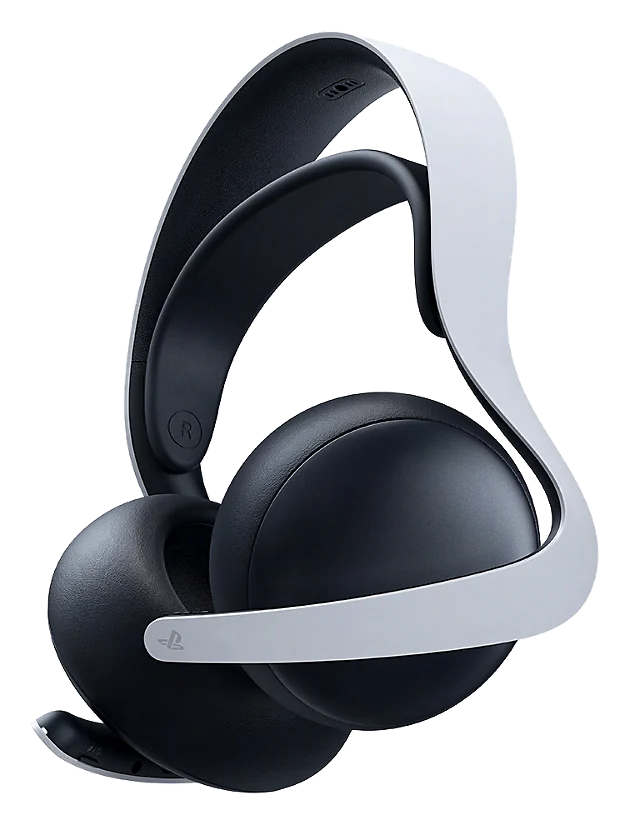
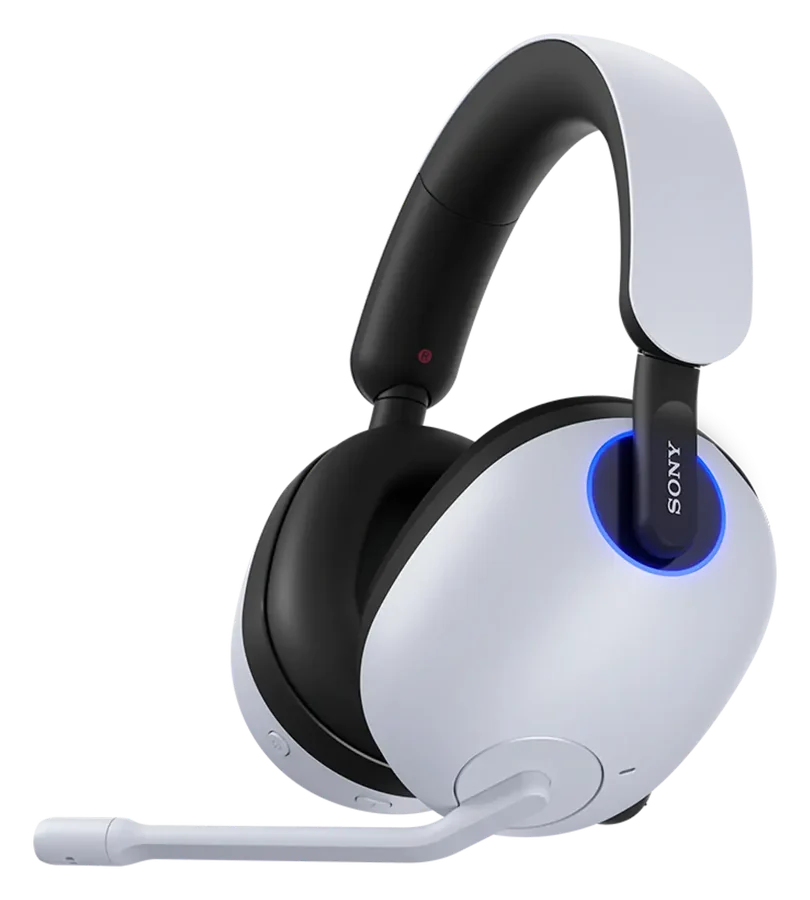
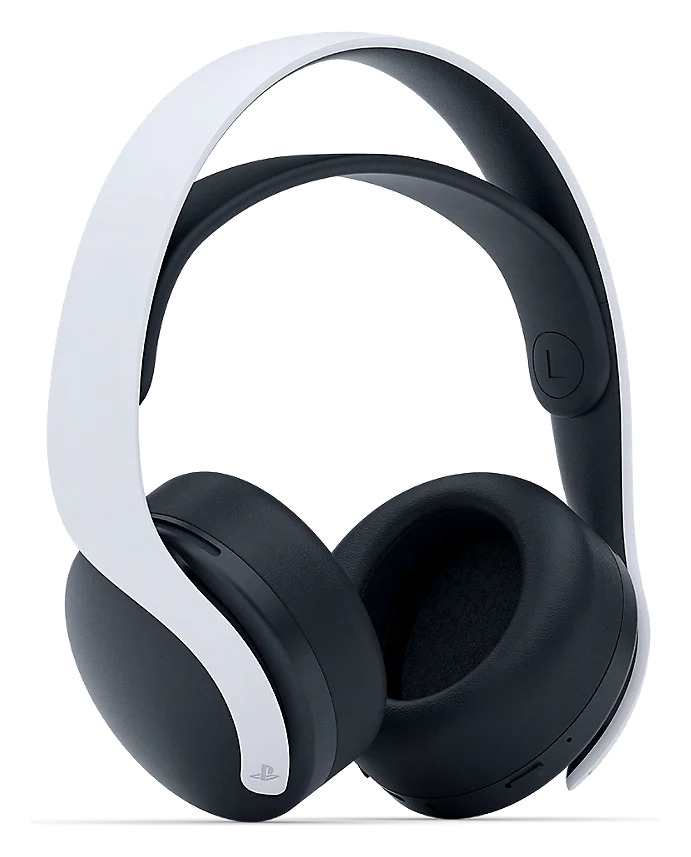
Audio: 3D audio for headphones
Settings → Sound → Audio Output: turn on Enable 3D Audio for Headphones and pick the 3D Audio profile that sounds most natural.
Product images: Sony Interactive Entertainment, Corsair, Sony, LG Electronics, ASUS, GIGABYTE. Shown to identify the products; all trademarks and images belong to their owners. TrackerVI isn't sponsored by these brands.
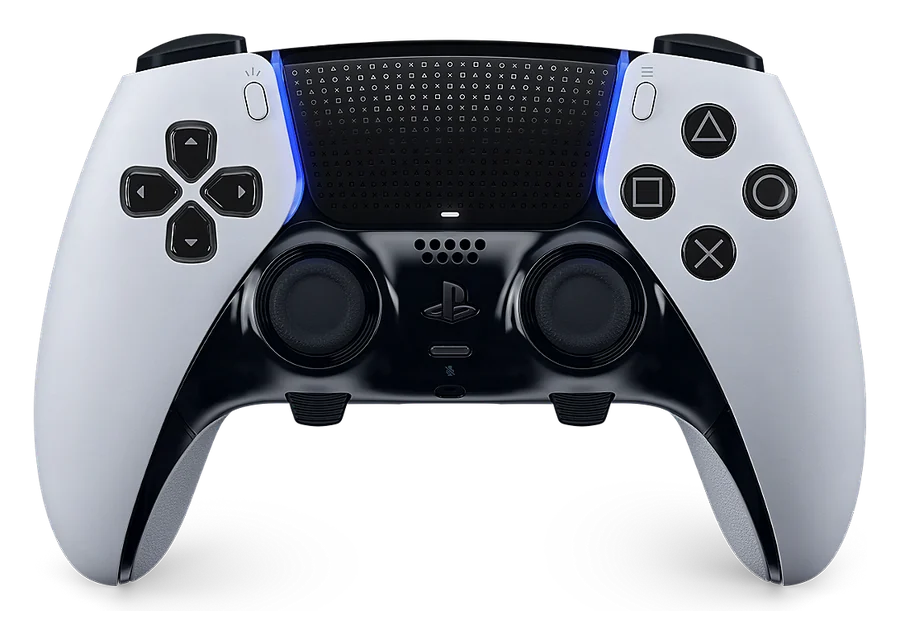 Pro controller